Building a Second Brain with Claude Code and Obsidian
28 sessions using an AI coding tool for something that isn't coding — scaffolding a professional knowledge system for a new Director role
When I started a new role as Director of Intelligent Systems, I had the usual onboarding problem: hundreds of people to track, dozens of projects to understand, vendor relationships to map, and a firehose of meetings generating action items faster than I could organize them.
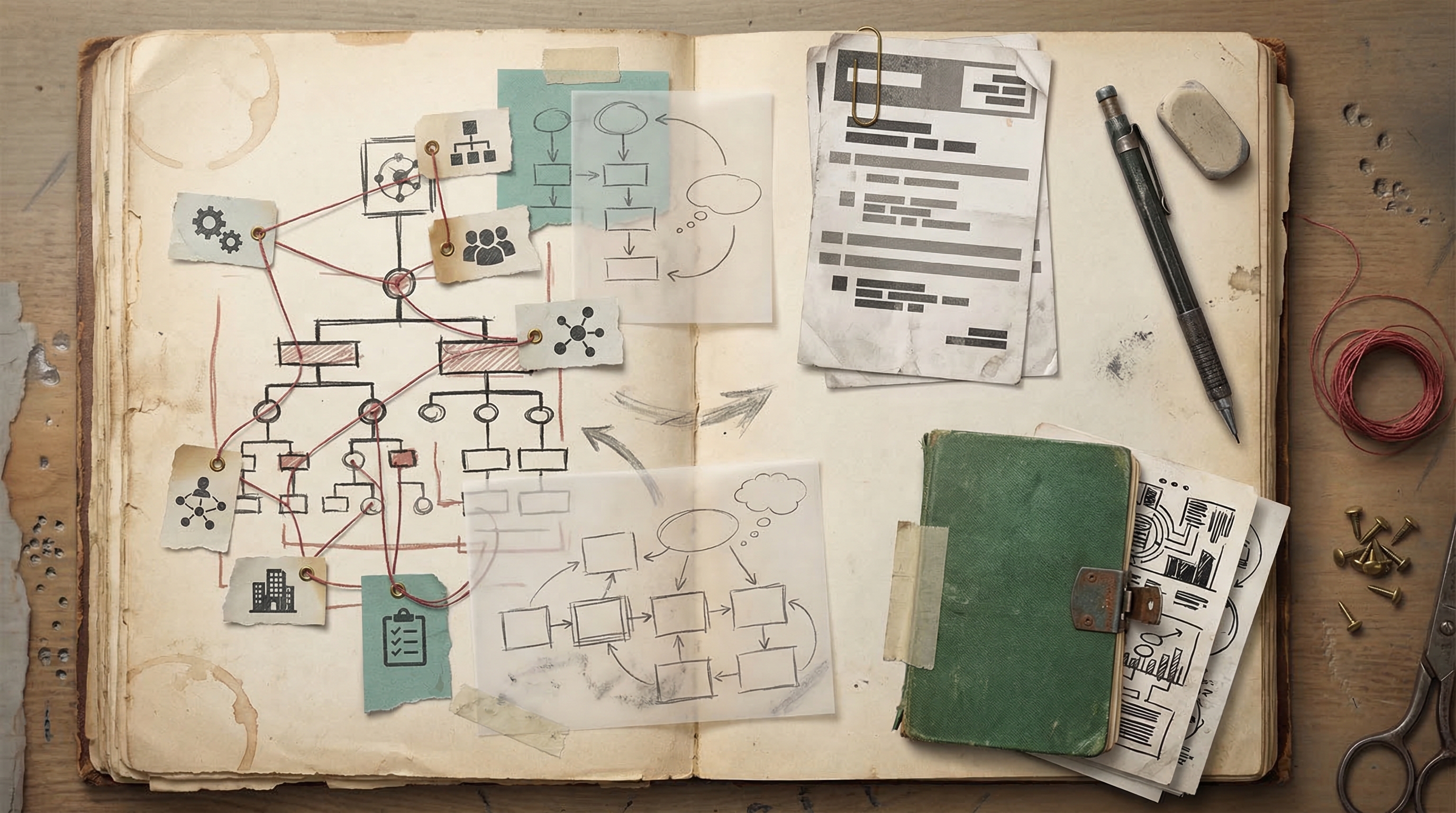
I needed a second brain. So I built one — not with a note-taking app alone, but with Claude Code as the engine and Obsidian as the vault.
Over 28 sessions, Claude Code became my knowledge management partner. Not writing code. Writing structure.
Why Claude Code for Notes?
This sounds like using a hammer to write a letter, but hear me out.
Obsidian is a markdown-based knowledge management tool. Every note is a file. Every link is a wikilink. Every piece of metadata is YAML frontmatter. It's a filesystem, and Claude Code is exceptionally good at working with filesystems.
What I needed wasn't a chatbot that could answer questions about my notes. I needed something that could:
- Scaffold entire vault structures — create 30+ interconnected files with consistent frontmatter, proper wikilinks between them, and logical folder hierarchies
- Process meeting transcripts — take a raw transcript and extract action items, decisions, attendees, and key points into structured notes linked to the right projects and people
- Build org charts as linked notes — create person notes for every team member, with role, reporting line, and cross-links to projects they own
- Maintain onboarding plans — structured checklists with dates, owners, and links to relevant resources
- Automate weekly reports — pull together what happened across all projects into a formatted summary
Claude Code does all of this naturally because it can read, write, and edit multiple files at once. A single prompt like "here's the transcript from today's leadership meeting, update the relevant project notes and create action items" would touch a dozen files simultaneously.
What 28 Sessions Looked Like
The sessions fell into a few patterns:
Vault scaffolding (early sessions): I'd describe the structure I wanted — "I need a People directory with a note for each person on the leadership team, linked to their projects and teams" — and Claude would create the entire thing. Folder structure, frontmatter schema, wikilinks, all consistent.
Meeting processing (ongoing): After meetings, I'd paste transcripts or email threads and have Claude extract structured information into the right places. A single meeting might generate updates to 5-6 existing notes plus create 2-3 new ones.
Vendor and project tracking: Creating detailed notes for vendor evaluations, project status hubs, and decision logs. Claude handled the cross-referencing — making sure a vendor note linked back to the project it was being evaluated for, and the project note linked to the decision log entry.
Weekly report automation: I built a Claude Code skill (a reusable prompt) that would scan my vault for recent changes, pull together highlights, and format a weekly report. This turned a 45-minute Friday task into a 2-minute prompt.
Where It Went Wrong
It wasn't all smooth. The main friction: Claude kept putting things in the wrong place.
When processing a meeting transcript that touched multiple projects, Claude would sometimes assign an action item to the wrong project note. Or it would create a new note for someone who already had one, with a slightly different filename. Or it would place a decision in the meeting notes file instead of the project's decision log.
The fix was simple but took me a few sessions to figure out: tell Claude exactly where things go upfront. Instead of "process this transcript," I'd say "process this transcript — action items go in Projects/Alpha/actions.md, decisions go in Projects/Alpha/decisions.md, and any new person notes go in People/." Explicit paths eliminated most of the misplacement issues.
The other friction: frontmatter inconsistency. Claude would use slightly different YAML keys across sessions — status vs Status, date-created vs created. I added a CLAUDE.md rule specifying the exact frontmatter schema for each note type, and that solved it permanently.
The Result
After a few days, my Obsidian vault is a functioning second brain with:
- Person notes for every key contact, with roles, relationships, and interaction history
- Project hubs that link to status updates, decision logs, and related people
- Vendor evaluations with comparison matrices and decision rationale
- Meeting notes processed into structured, linked knowledge (not just raw transcripts)
- An onboarding plan that I could hand to my successor with full context
- Automated weekly reports that take minutes instead of an hour
All of it cross-linked. All of it searchable. All of it built by giving an AI coding tool a job that had nothing to do with code.
Why This Matters Beyond My Vault
This use case reveals something important about where AI tools are heading. Claude Code isn't "just" a coding tool — it's a structured file manipulation engine that happens to be marketed for code. Any workflow that involves creating, updating, and linking text files is a natural fit.
Knowledge management. Documentation systems. Content pipelines. Anything where the work is "take unstructured information and put it into structured files with relationships between them."
The people who figure this out early — who see AI coding tools as general-purpose structured-text engines — are going to have a significant advantage in how they organize and leverage information.
Tips If You Want to Try This
- Define your frontmatter schema in CLAUDE.md. Every note type should have an explicit list of required YAML keys. Claude will follow it religiously.
- Use explicit file paths in your prompts. Don't say "add this to the project notes." Say "add this to Projects/Alpha/status.md."
- Build skills for recurring workflows. If you process meeting notes the same way every week, write a SKILL.md that encodes the process. One slash command replaces 5 minutes of explaining.
- Let Claude create the links. Wikilinks are where the value compounds. Tell Claude to link every person mention to their person note, every project mention to its hub. The graph view becomes incredibly useful.
- Review the first few sessions carefully. Claude will establish patterns early. If it puts something in the wrong place on day one and you don't catch it, it'll keep doing it. Correct early, and the corrections stick.